Week 1: Device Setup
Welcome
Section titled “Welcome”This guide gets you from unboxing to a working project in UIFlow 2.0. Follow each step in order.
The course uses two different M5Stack devices this semester. Your team will receive either an M5StickC Plus or an M5StickS3. The setup process is completely different — use only the guide for your device.
What to Bring (4-hour Session)
Section titled “What to Bring (4-hour Session)”| Item | Why Needed | Notes |
|---|---|---|
| Laptop | UIFlow 2.0 runs in your browser | Windows, Mac, or Linux. Tablets/phones will NOT work |
| Chrome or Edge browser | UIFlow 2.0 requires Web Serial API | Safari and Firefox do NOT work. Download Chrome |
| USB data cable | Connect device to your computer | Must be a DATA cable, not charge-only. Quick test: can you transfer photos with it? |
| Laptop charger | Sessions are 4 hours long | Most batteries won’t last the full session |
💡 About 50% of connection issues come from wrong cables
Charge-only cables look identical to data cables but cannot transfer data. If your device is not detected, try a different cable first.
Step 1: UIFlow 2.0 Account
Section titled “Step 1: UIFlow 2.0 Account”One account per team. One person creates it and shares the login with all teammates.
/ completed — progress saved in your browser
Step 2: Select Your Device
Section titled “Step 2: Select Your Device”Ask your TA if you are not sure which device your team has.
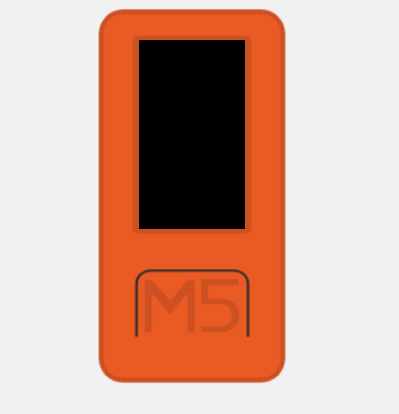
M5StickC Plus
Connects over USB
3 setup steps — driver, firmware, connect
Start setup →
M5StickS3
Connects over USB
Plug in and go — no burning needed
Start setup →Help Others Culture
Section titled “Help Others Culture”Got your device working? Help others! This earns recognition in your assessment.
- Solved your setup issue? Great!
- Look around — who else is struggling?
- Help your teammates first, then help other teams
- After helping, report to TA: “I helped [Name] from [Team]”
ℹ️ In your video demo
You can mention helping other teams — but only if you reported it to the TA first for verification.
Was this page helpful?